A CC address receives a copy of every watch list email sent to your operators. It's handy if your team uses a shared inbox, or wants a record of alerts in one place.
Before you start
- You'll need access to Site config. If you can't see it, contact your Customer Success Manager.
- This is a site-wide setting, so it applies to every operator's watch list emails.
Set up the CC address
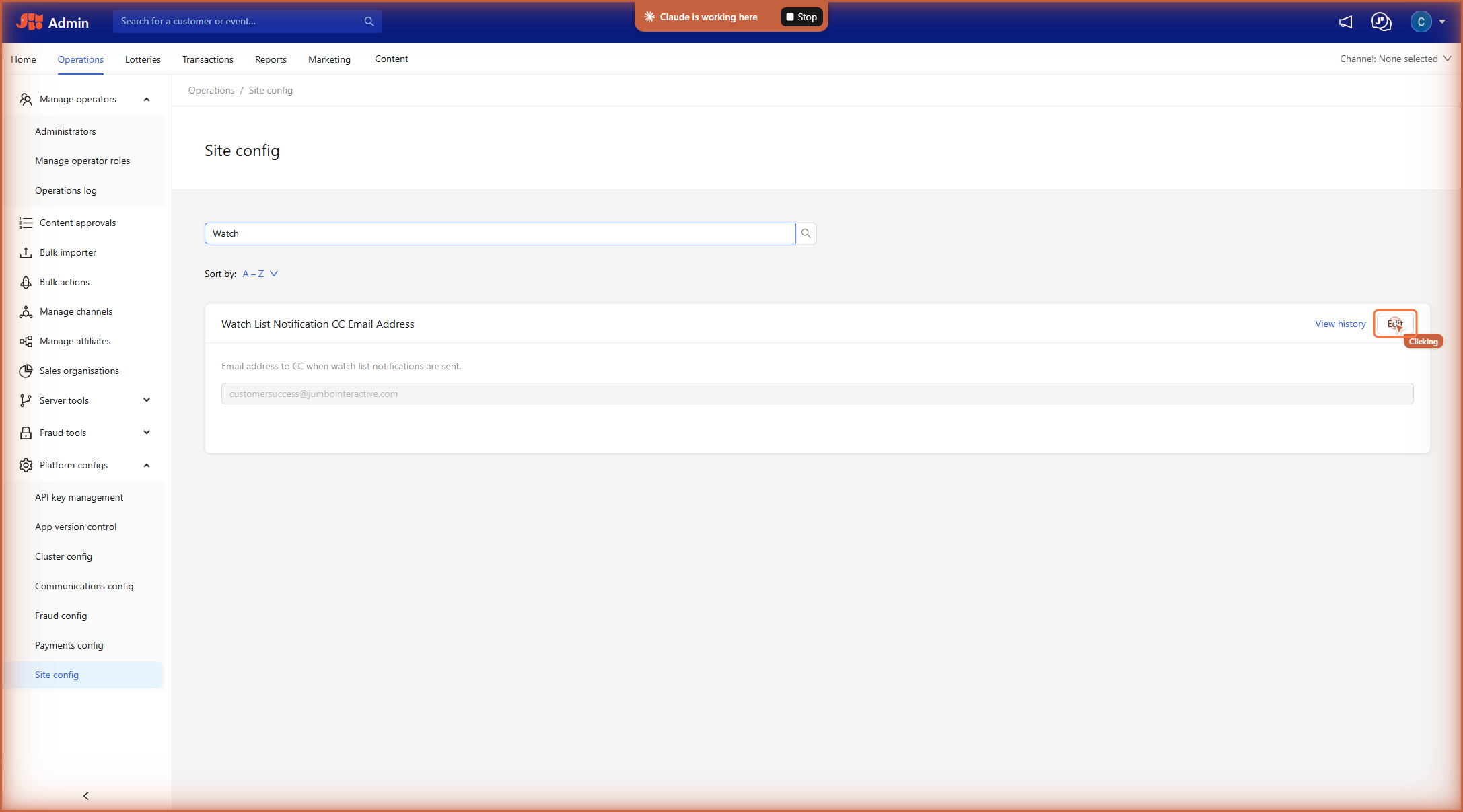
- Go to Operations > Platform config > Site config.
- In the search field, type Watch.
- On Watch List Notification CC Email Address, click Edit.
4. Enter the email address.
5. Click Save. A confirmation message appears at the top of the screen.
Change or remove the CC address
Follow the same steps, then update or clear the email address and click Save.
Related articles